
AP01 AVR MCU
Use this page with AI
Explore with your favorite AI
 ChatGPT
  Claude
 Gemini & other AI
Copy this page’s context into your AI to explore how it works and what you can build.
 Open Gemini
 Copy the prompt, then paste it into Gemini’s message box.
View prompt
Table of contents
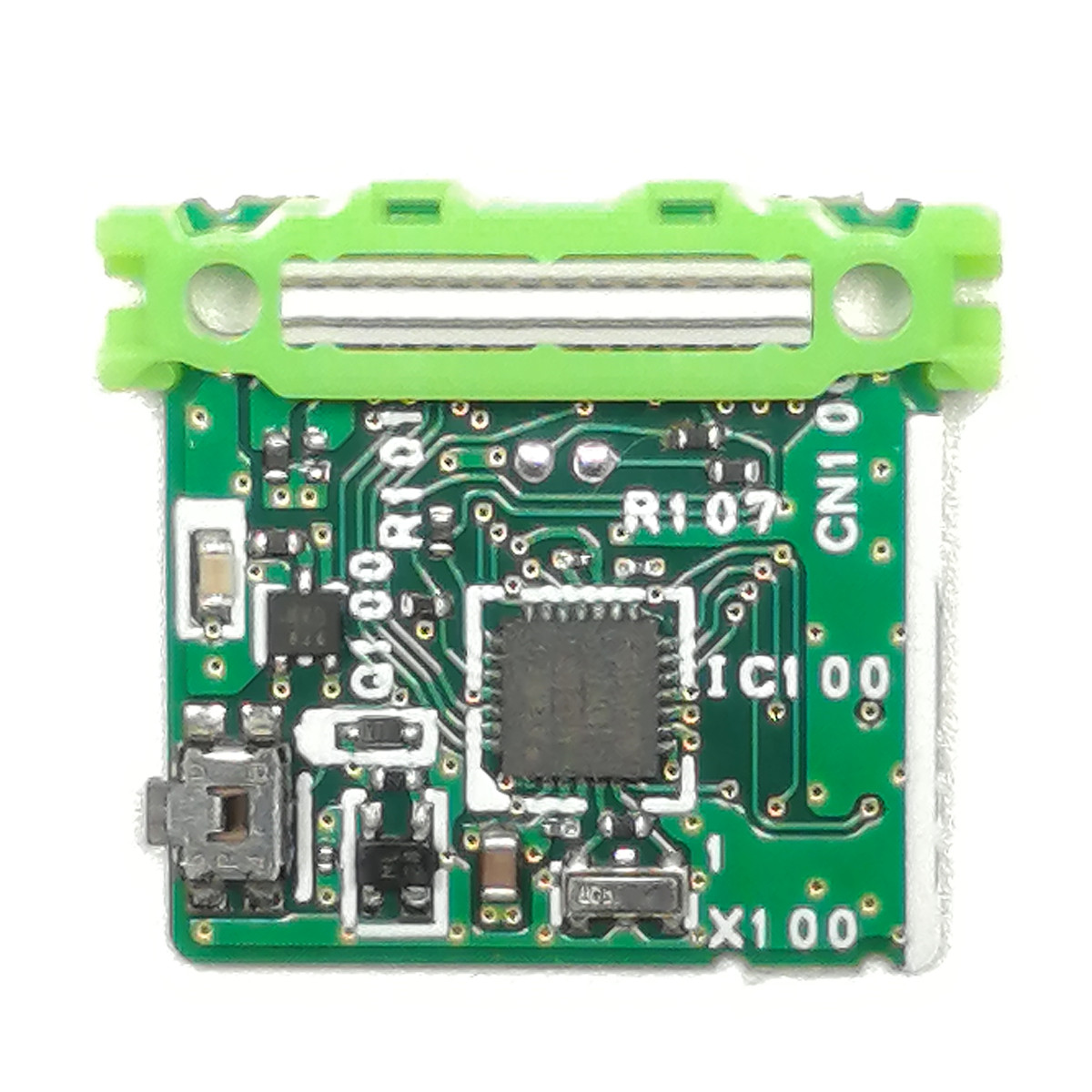
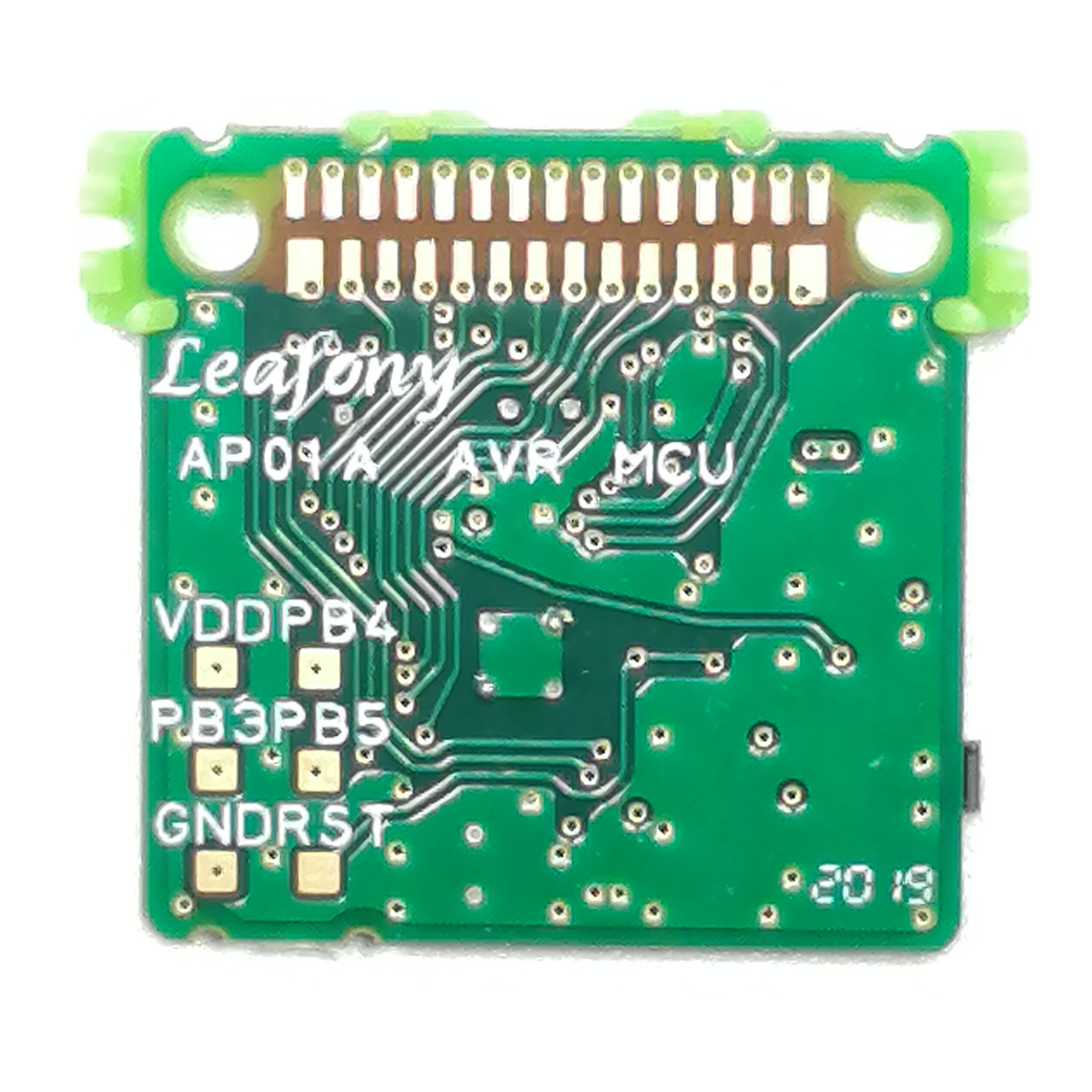
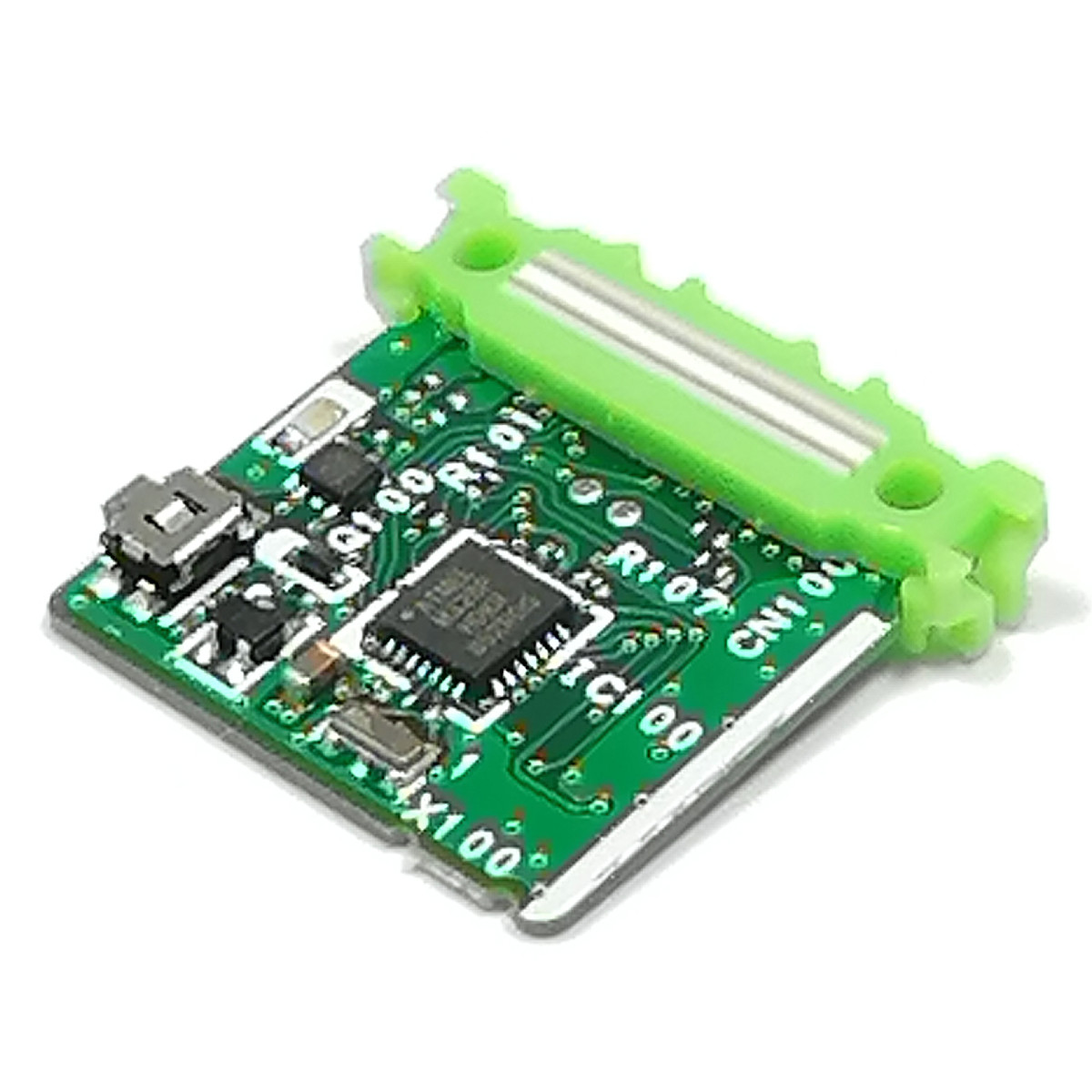
Features
Run programs created in Arduino IDE to read connected sensors and control outputs such as LEDs.
This MCU (microcontroller) leaf uses the ATmega328P and has 14 digital input/output pins (six support PWM output), six analog input pins, an 8 MHz oscillator, and a reset button. Use a USB leaf for a USB connection or a Shield leaf for ICSP. In Arduino IDE, select the Arduino Pro or Pro Mini board and the ATmega328P (3.3V, 8MHz) processor.
Specification
| Item | Description |
|---|---|
| Part number | ATmega328P |
| Operating voltage | 3.3V |
| Input voltage | 1.5-5V |
| Digital I/O | 14 |
| Analog input | 6 |
| Flash memory | 32 KB |
| SRAM | 2KB |
| EEPROM | 1KB |
| Clock speed | 8MHz |
| Dimension | W23×D20.5×H4.7mm |
Block diagram

Pinassign

Tips
About LEDs and switches

| Item | Description |
|---|---|
| Reset switch | Reset microcontroller or other devices |
| LED | Control LED by using pin 13 (Same as Arduino UNO) |
Sample App
How to use it with Arduino
In order to use this leaf with Arduino, the board must be configured on the Arduino IDE.
Please refer to Environment for instructions.
Documents
Revision history
- Rev A1.0: First edition, August 2019