
AP02 ESP32 MCU
Use this page with AI
Explore with your favorite AI
 ChatGPT
  Claude
 Gemini & other AI
Copy this page’s context into your AI to explore how it works and what you can build.
 Open Gemini
 Copy the prompt, then paste it into Gemini’s message box.
View prompt
Table of contents
Features
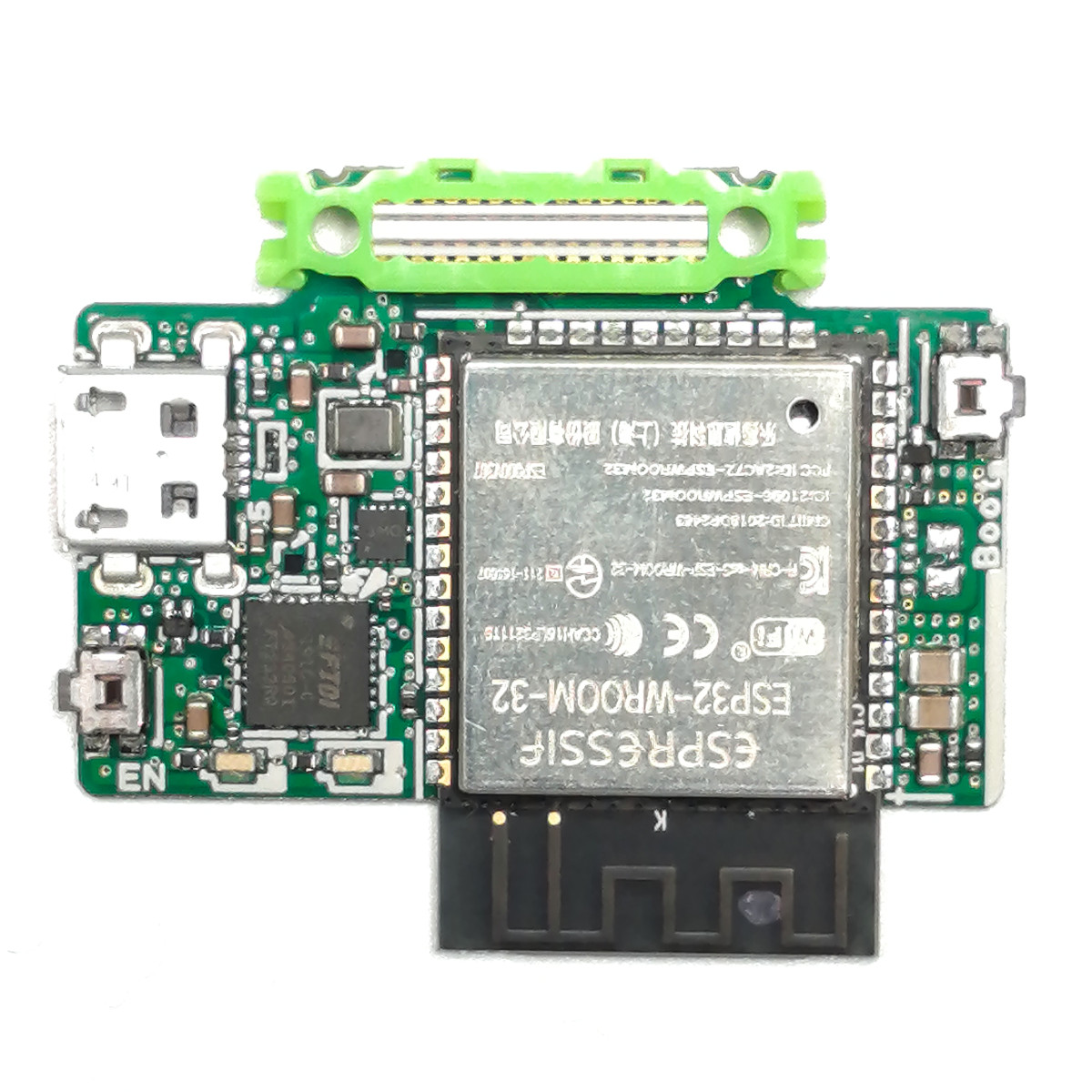
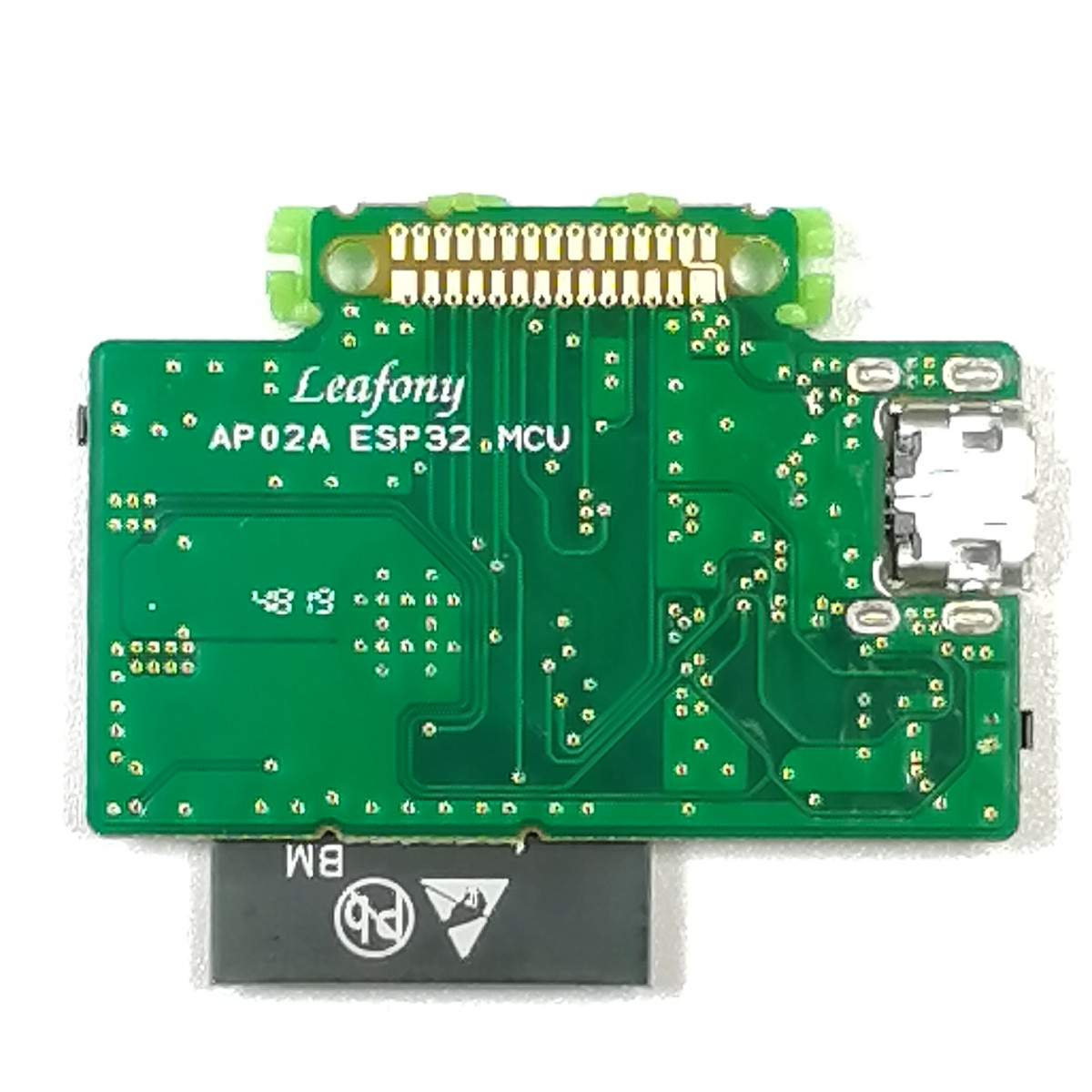
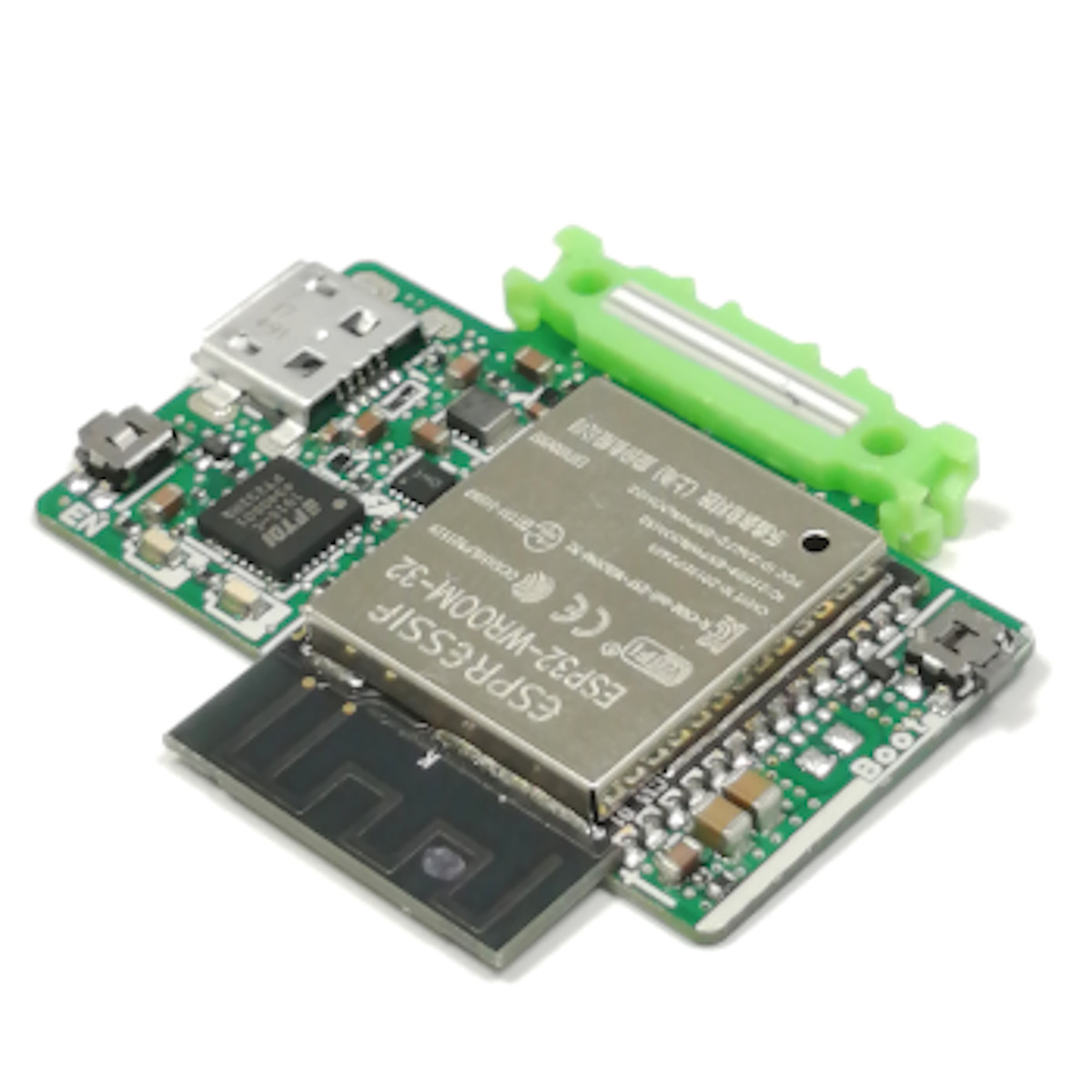
Use Arduino IDE to create programs that read connected sensors and send or receive data over Wi-Fi or BLE. Connect this MCU (microcontroller) leaf to a PC over USB to upload programs and check their operation with the serial monitor.
It uses Espressif Systems’ ESP32-WROOM-32 module with an Xtensa Dual-Core 32-bit LX6 processor and certified Wi-Fi and BLE. Radio certifications include FCC, CE-RED, IC, TELEC, KCC, SRRC, and NCC (Espressif Systems Data Sheet V2.9). USB power can also supply VBUS (5V) to other leaves.
Specification
| Item | Description |
|---|---|
| Part number | ESP32-WROOM-32 |
| SoC | ESP32-D0WDQ6 (CPU LX6) |
| Operating voltage | 3.3V |
| Input voltage | 2.2-3.6V |
| Digital I/O | 14 |
| Analog input | 6 |
| TouchSensor I/F | 6 |
| Flash Memory | 4 MB |
| SRAM | 520 KB |
| Clock frequency | 80M-240MHz |
| Wi-Fi protocols | IEEE 802.11b/g/n |
| Bluetooth protocols | Bluetooth v4.2 BR/EDR and BLE specification |
| RF certification | FCC/CE-RED/IC/TELEC/KCC/SRRC/NCC |
| Dimension | W39.1×D32.7×H5.4mm |
Block diagram

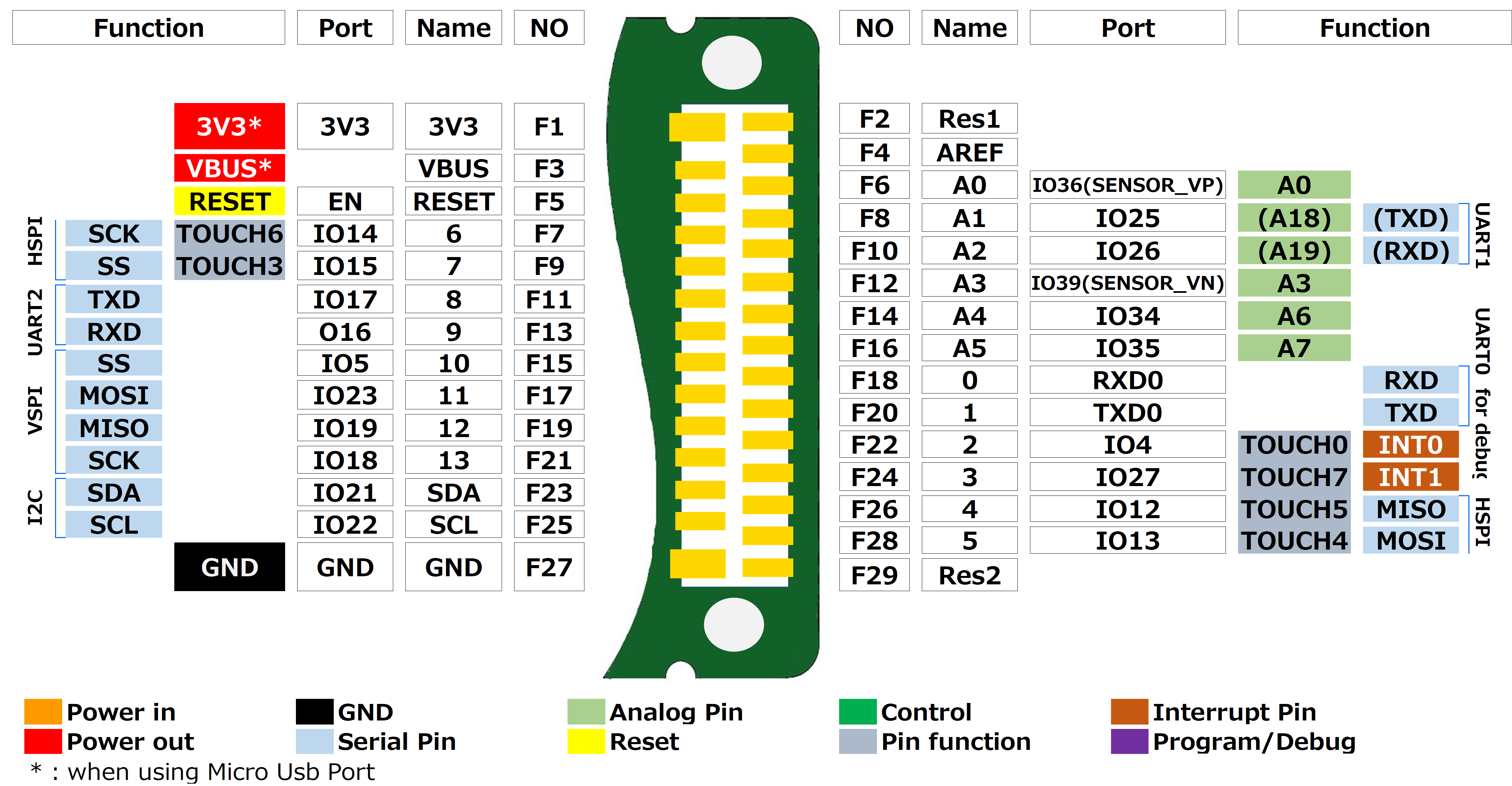
Pinassign
Tips
About LEDs and switches

| Item | Description |
|---|---|
| LED RX | FT232RQ controlled LED / Flashes on UART TX data transmission. |
| LED TX | FT232RQ controlled LED / Flashes on UART RX data transmission. |
| Reset switch | Resets the ESP32 and other devices. |
| Boot mode switch | Switch to change to boot mode.Press and hold the boot mode switch while writing a sketch. |
| micro USB | It is used for writing a sketch to the MCU and serial monitoring by connecting a PC.This also converts USB’s VBUS(5V) to 3.3V by using step-down power circuit and provide VBUS and 3.3V to each leaf. |
| Antenna | This is a shared antenna for Bluetooth LE and Wi-Fi. |
Sample App
How to use it with Arduino
In order to use this leaf with Arduino, the board must be configured on the Arduino IDE.
Please refer to Environment for instructions.
Document
Revision history
- Rev A1.0: First edition, January 2020