
Watering plants with a motor (AVR)
Explore with your favorite AI
 ChatGPT
  Claude
 Gemini & other AI
Copy this page’s context into your AI to explore how it works and what you can build.
 Open Gemini
 Copy the prompt, then paste it into Gemini’s message box.
View prompt
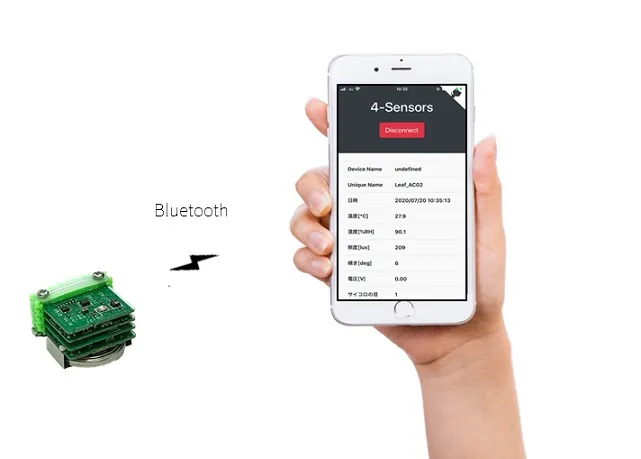
This sample app is a combination of the one introduced in the Basic Kit Web Bluetooth IoT and Motorleaf. Using Bluetooth, you can control the electric pump to turn on and off, water plants, and send sensor information to a smartphone or PC. For details, please refer to Web Bluetooth IoT in Basic Kit.
What to prepare
Section titled “What to prepare”- STM32 MCU, BLE Sugar, 4-Sensors, CR2032, and USB
- A Windows1, Mac2, or Linux3 PC (for development)
- Android4, iPhone5, iPad5 smartphone or tablet
- Google Chrome (Version 70.0.3526.0 or later)
- Arduino IDE, STM32CubeProgrammer software V2.4.0
Sample app source code
Section titled “Sample app source code”Please download both in advance.
Leafony Configuration
Section titled “Leafony Configuration”In this sample, you can try the following leaf configurations.
| Type | Name | Q’ty |
|---|---|---|
| AZ62 | Connector Cover | 1 |
| AI01 | 4-Sensors | 1 |
| AI | Motor | 1 |
| AP01 | AVR MCU | 1 |
| AC02 | BLE Sugar | 1 |
| AZ01 | USB | 1 |
| AV01 | CR2032 | 1 |
| - | CR2032 coin cell battery | 1 |
| - | M2*18mm screw | 2 |
Assembly
Section titled “Assembly”Assemble the leaves as shown in the figure below.
Pin assignment
Section titled “Pin assignment”Refer to the figure below for the pin assignment of each leaf.

Execution result
Section titled “Execution result”- Write Motor_BLE_demo.ino in Arduino IDE.
- Open the downloaded
index.htmlof Web Bluetooth App with Google Chrome.
For details on how to use the web app, refer to the Basic Kit Getting Started Guide.