
AP03 STM32 MCU: Arduino-Compatible Microcontroller Leaf
Use this page with AI
Explore with your favorite AI
 ChatGPT
 Claude
Gemini & other AI
Copy this page’s context into your AI to explore how it works and what you can build.
 Open Gemini
Copy the prompt, then paste it into Gemini’s message box.
View prompt
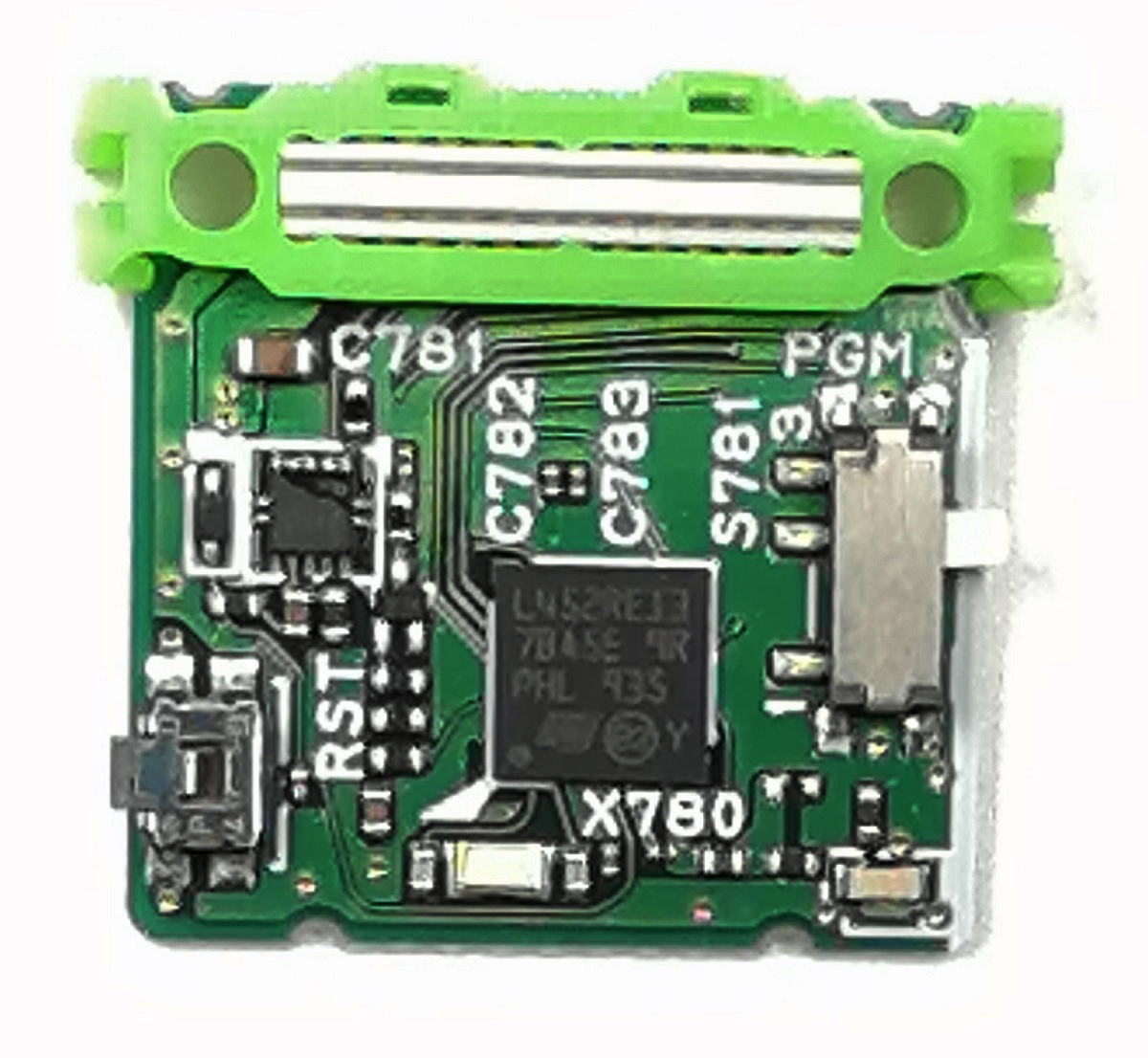
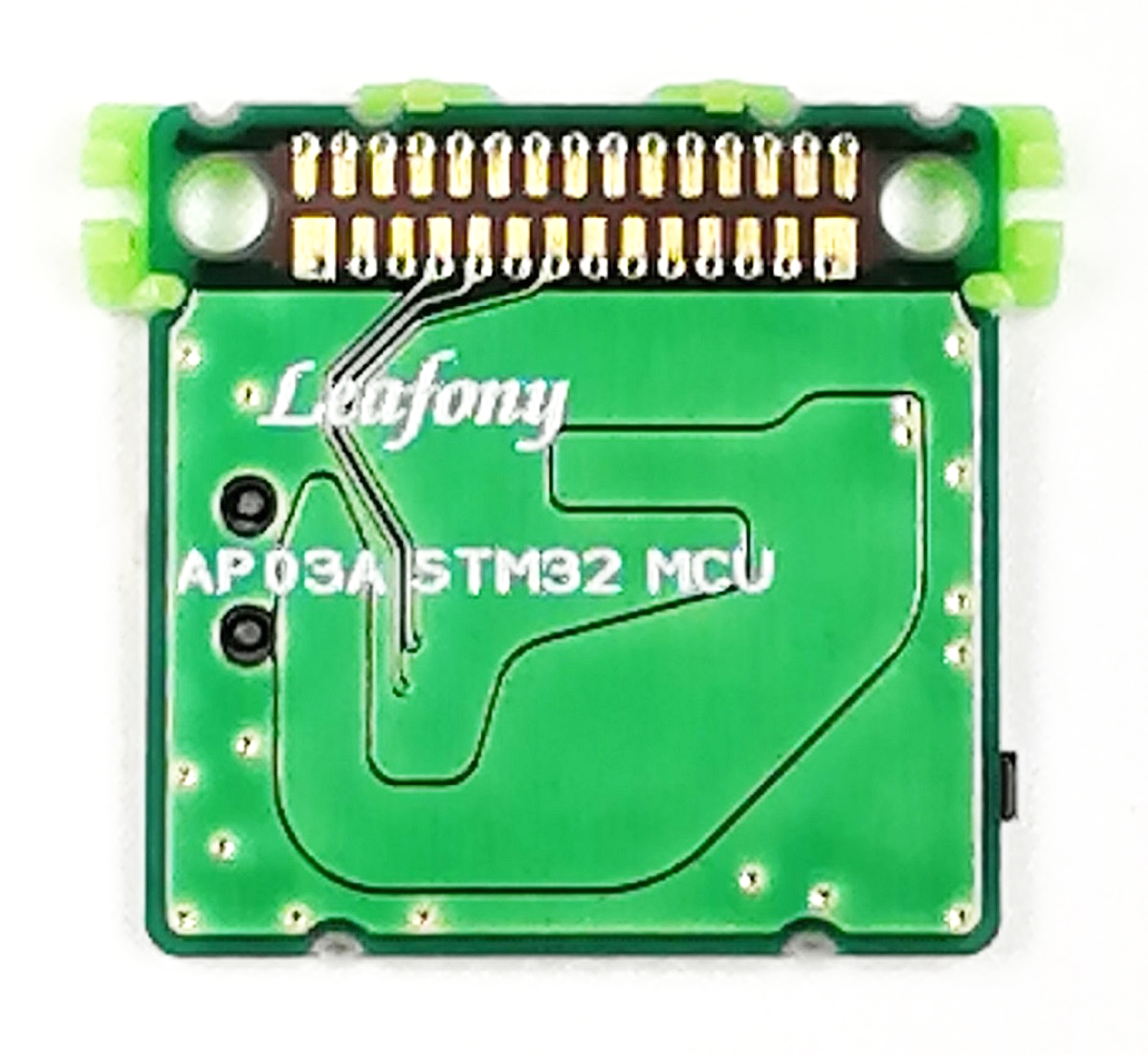
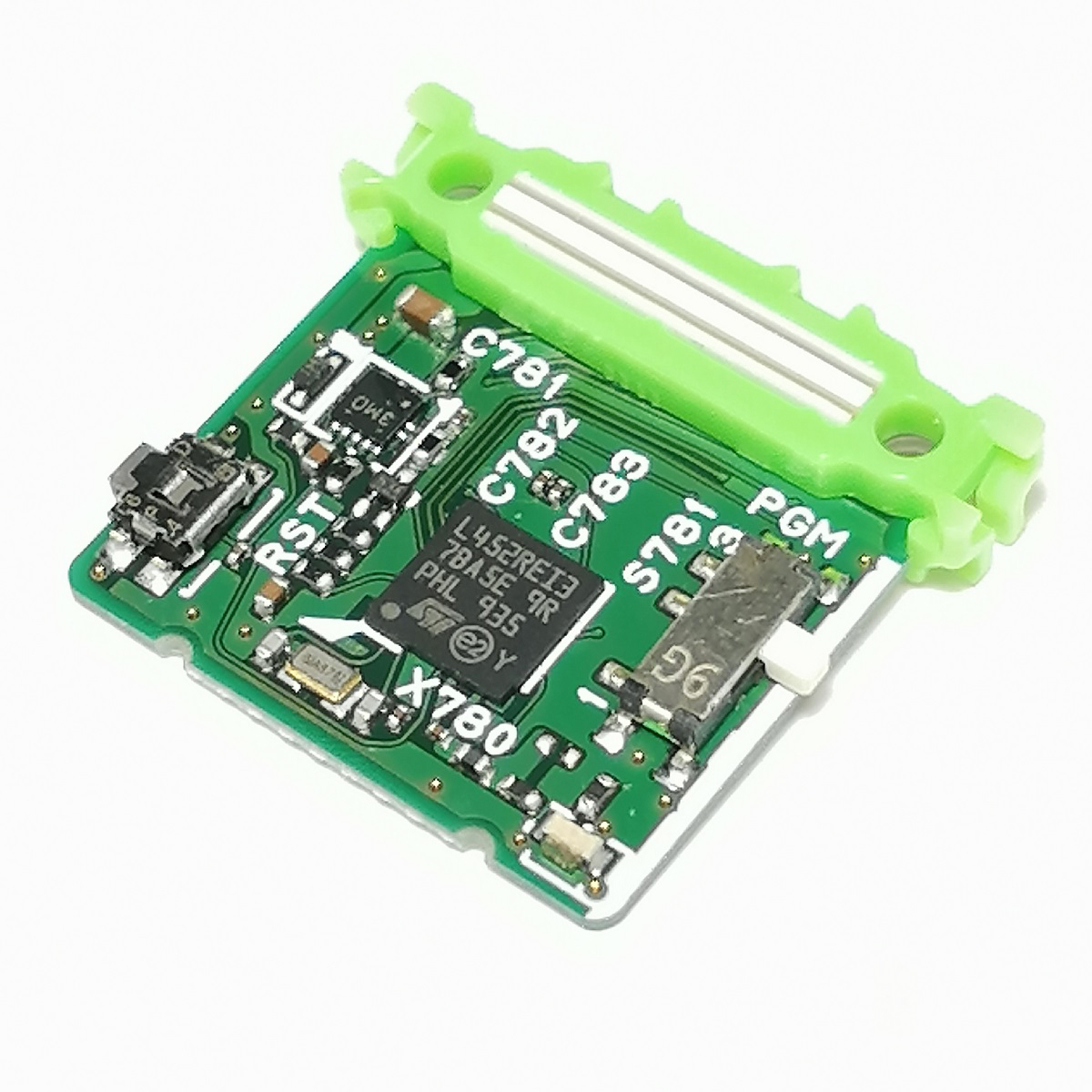
Features
Run programs that read connected sensors and control other leaves based on their readings. Development with Arduino IDE is supported.
This 32-bit MCU (microcontroller) leaf uses STMicroelectronics' STM32L452RE series with an Arm Cortex-M4 core and FPU. Use a USB leaf for a USB connection or a Shield leaf for SWD.
Specification
| Item | Description |
|---|---|
| Part number | STM32L452REI6 |
| Core | ARM Cortex-M4 |
| Operating voltage | 3.3V |
| Input voltage | 3.0-3.6V |
| Digital I/O | 16 |
| Analog input | 6 |
| ADC | 12bit |
| Flash Memory | 512 KB |
| SRAM | 160 KB |
| Clock frequency | 80MHz |
| Others | RTC with HW calendar, alarms and calibration |
| Arduino IDE Board Settings | Board: "Leafony STM32" |
| Board Part number: "Leafony STM32 MCU(16MHz)" | |
| Board Part number: "Leafony STM32 MCU(80MHz)" | |
| Dimension | W23×D20.5×H4.7mm |
Block diagram

Pinassign

See the pin assignment data for details.
Tips
About LEDs and switches
- 1Program / Run
Slide up for Program; down for Run in this photo.
- 2Reset
Press and release after changing the slide switch.
- 3Mode LED
On: Program. Off: Run. This LED does not indicate upload completion.
Program ↑Write a program
- Slide to Program ↑ and check that the LED is on.
- Press and release Reset.
- Start Upload on the PC and check the result.
Run ↓Run the program
- Slide to Run ↓ and check that the LED is off.
- Open the serial monitor at the sample’s baud rate.
- Press and release Reset, then check the output.
Up and down refer to the photo above. If the leaf is rotated or stacked, use the Program / Run position and the mode LED to identify the setting. The PC cannot move these physical switches.
Sample App
- Read temperature, humidity, pressure and acceleration with AI05
- Read temperature and humidity
- Read illuminance
- Read acceleration
- Record and transmit sensor data with STM32 Logger Beacon
How to use it with Arduino
In order to use this leaf with Arduino, you need to configure the board on Arduino IDE.
Please refer to Environment for setting instructions.
Document
Revision history
- First edition, November 2020