
AZ01 USB
Use this page with AI
Explore with your favorite AI
 ChatGPT
  Claude
 Gemini & other AI
Copy this page’s context into your AI to explore how it works and what you can build.
 Open Gemini
 Copy the prompt, then paste it into Gemini’s message box.
View prompt
Table of contents
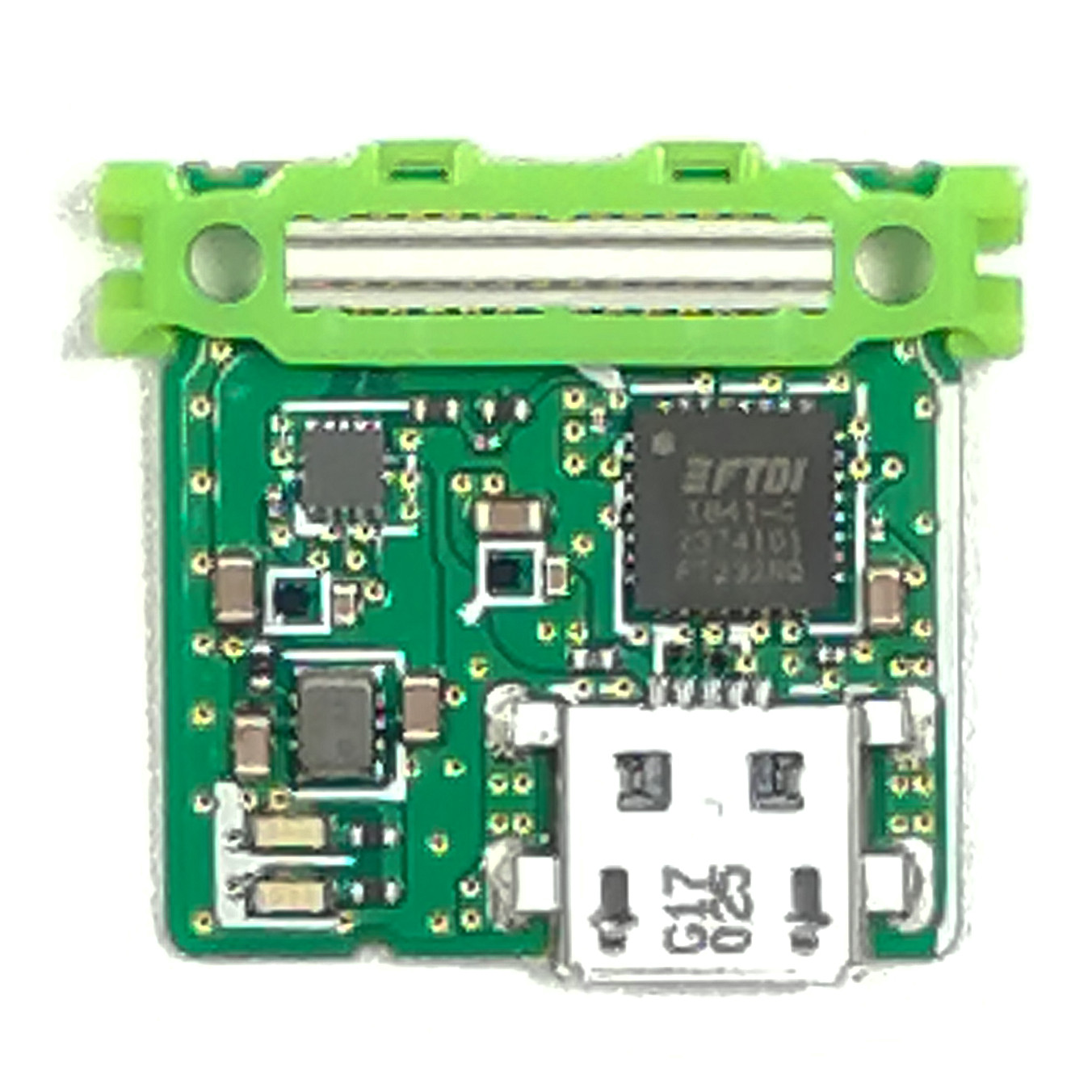
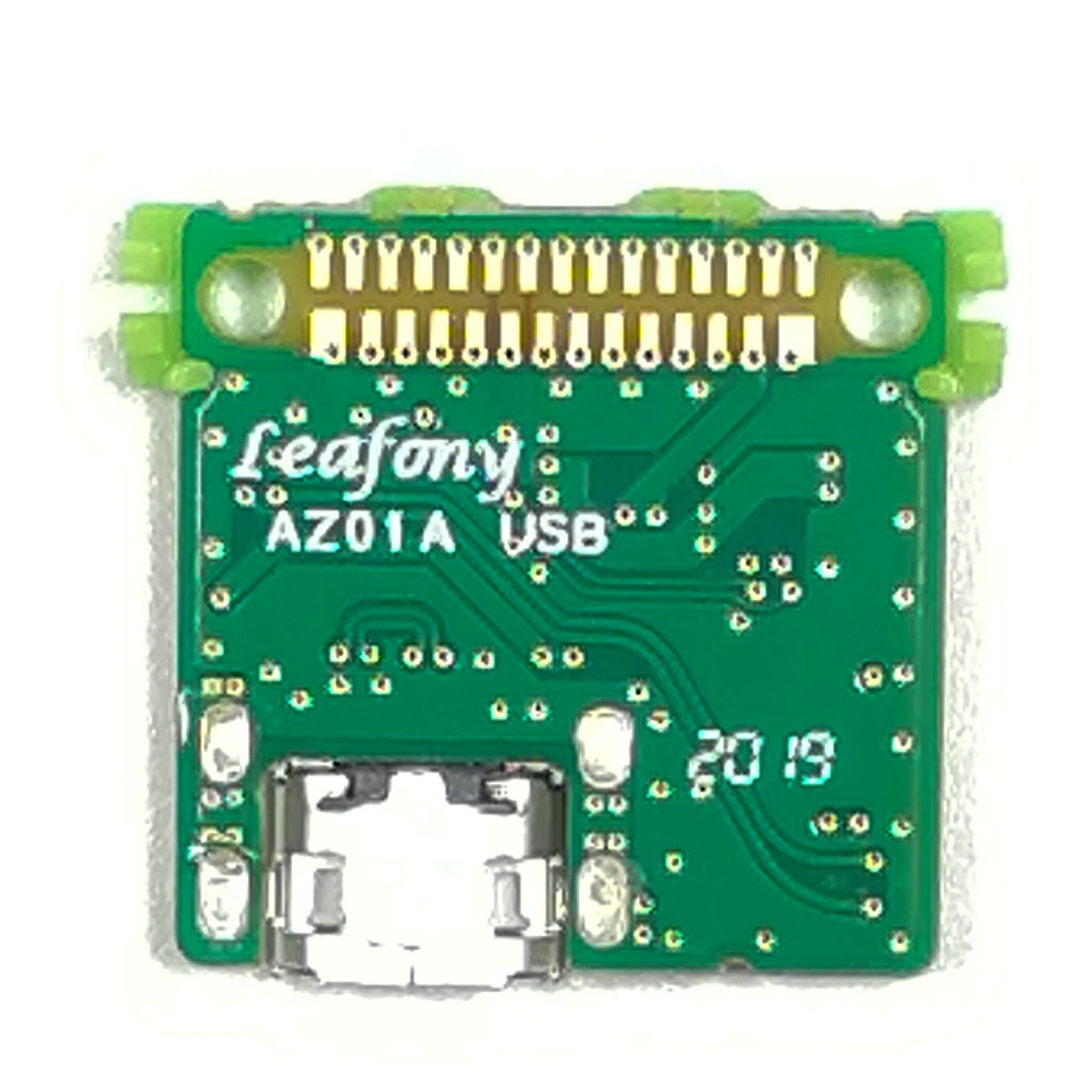
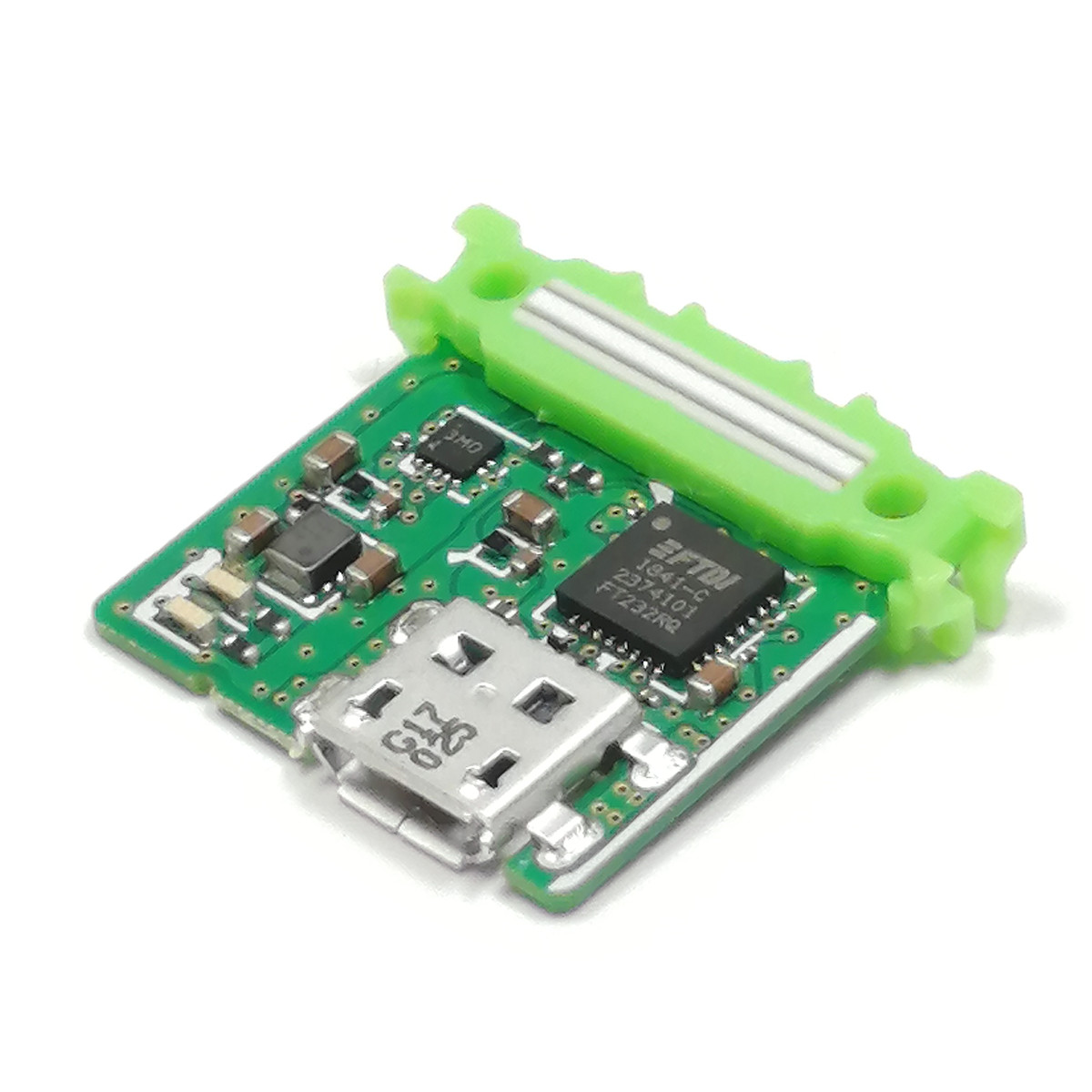
Features
Upload sketches to an AVR MCU over USB and view the MCU’s output in a serial monitor on your computer. This leaf also supplies power from USB to the other leaves. It uses an FTDI FT232RQ for USB-to-UART conversion and a step-down circuit to generate 3.3 V from USB VBUS (5 V), supplying both VBUS and 3.3 V to the leaves.
Specification
Dimension
| Item | Description |
|---|---|
| Dimension | W23×D20.9×H4.7mm |
USB-UART conversion
| Item | Description |
|---|---|
| Part Number | FT232RQ |
| USB | USB 2.0 Full Speed |
| Data transfer rates | 300 baud to 3 Mbaud |
Power Supply
| Item | Description |
|---|---|
| Part number | XCL222B331ER-G |
| Output voltage | 3.3V±2% |
| Controlling method | PWM/PFM Automatic switching control |
| Maximum output current | 500mA |
| Protection circuit | Over current protection / thermal shutdown/short-circuit protection |
Block diagram

Pinassign
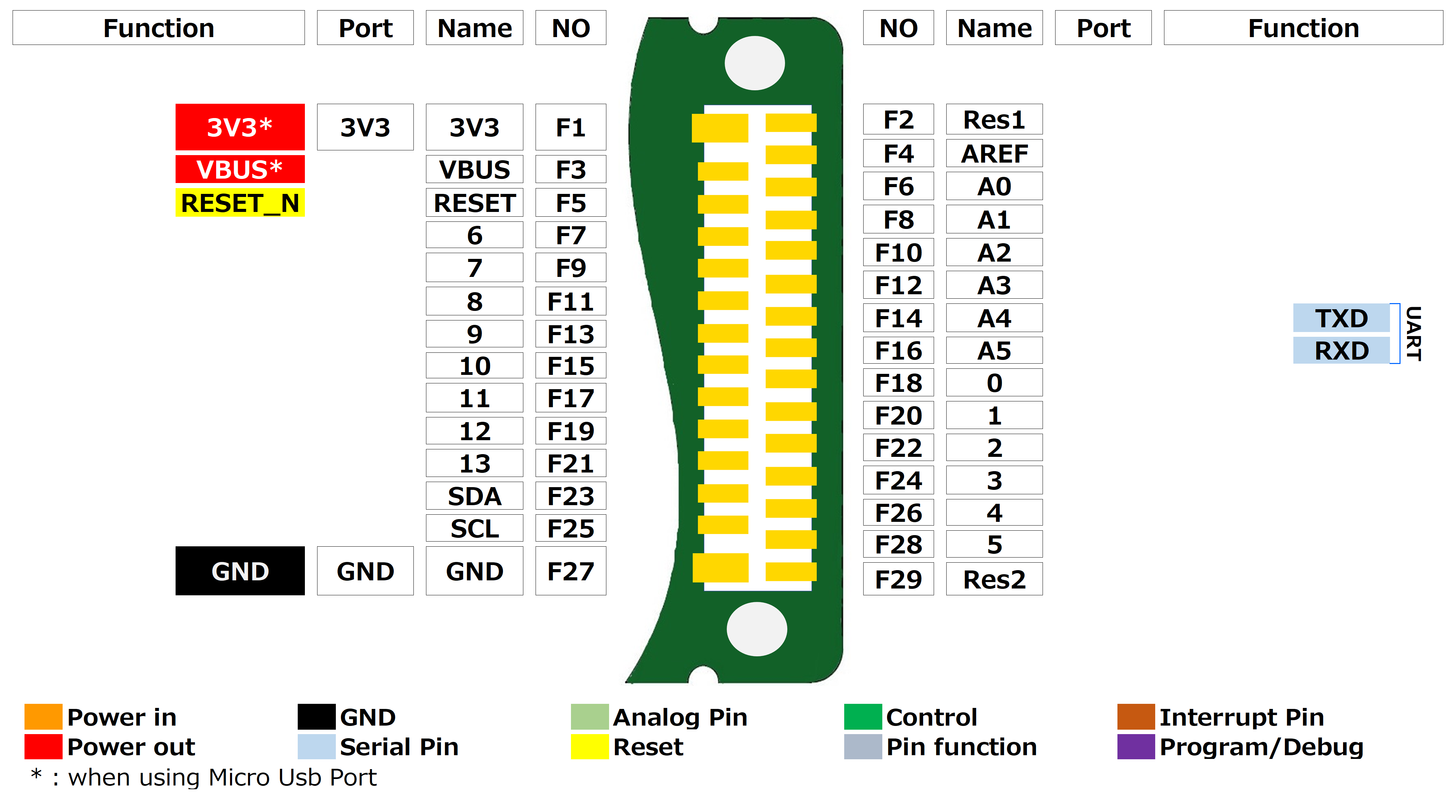
Tips
About micro USB and LED

| Item | Description |
|---|---|
| micro USB | It is used for writing a sketch to the MCU and serial monitoring by connecting a PC.This also converts USB’s VBUS(5V) to 3.3V by using step-down power circuit and provide VBUS and 3.3V to each leaf. |
| LED TX | LED which controlled by FT232RQ. Blinks when program is written by UART TX communication. |
| LED RX | LED which controlled by FT232RQ. Blinks when program is written by UART TX communication. |
Document
Revision history
- Rev A1.0: First edition, August 2019