
AI03 MIC&VR&LED
Use this page with AI
Explore with your favorite AI
 ChatGPT
  Claude
 Gemini & other AI
Copy this page’s context into your AI to explore how it works and what you can build.
 Open Gemini
 Copy the prompt, then paste it into Gemini’s message box.
View prompt
Table of contents
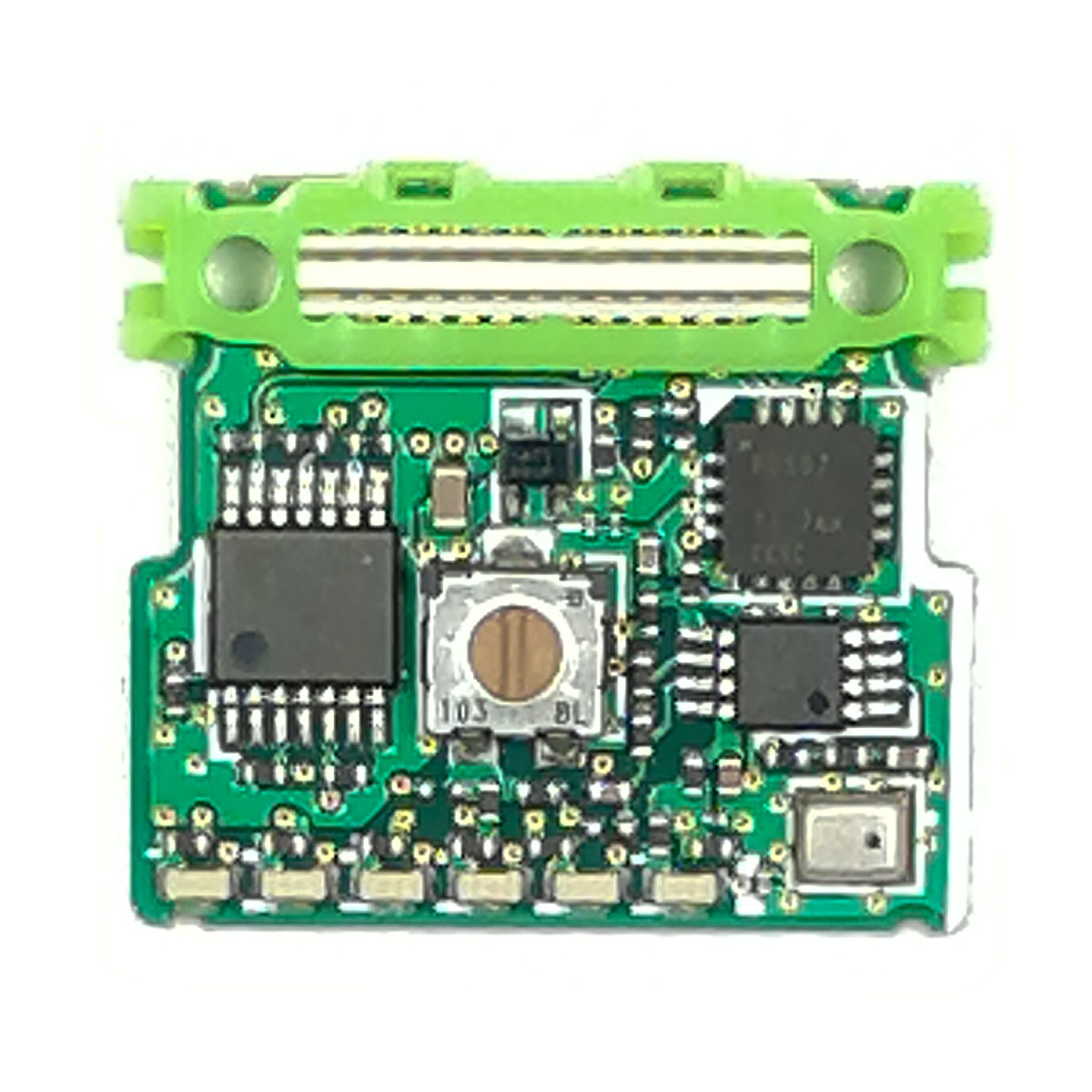
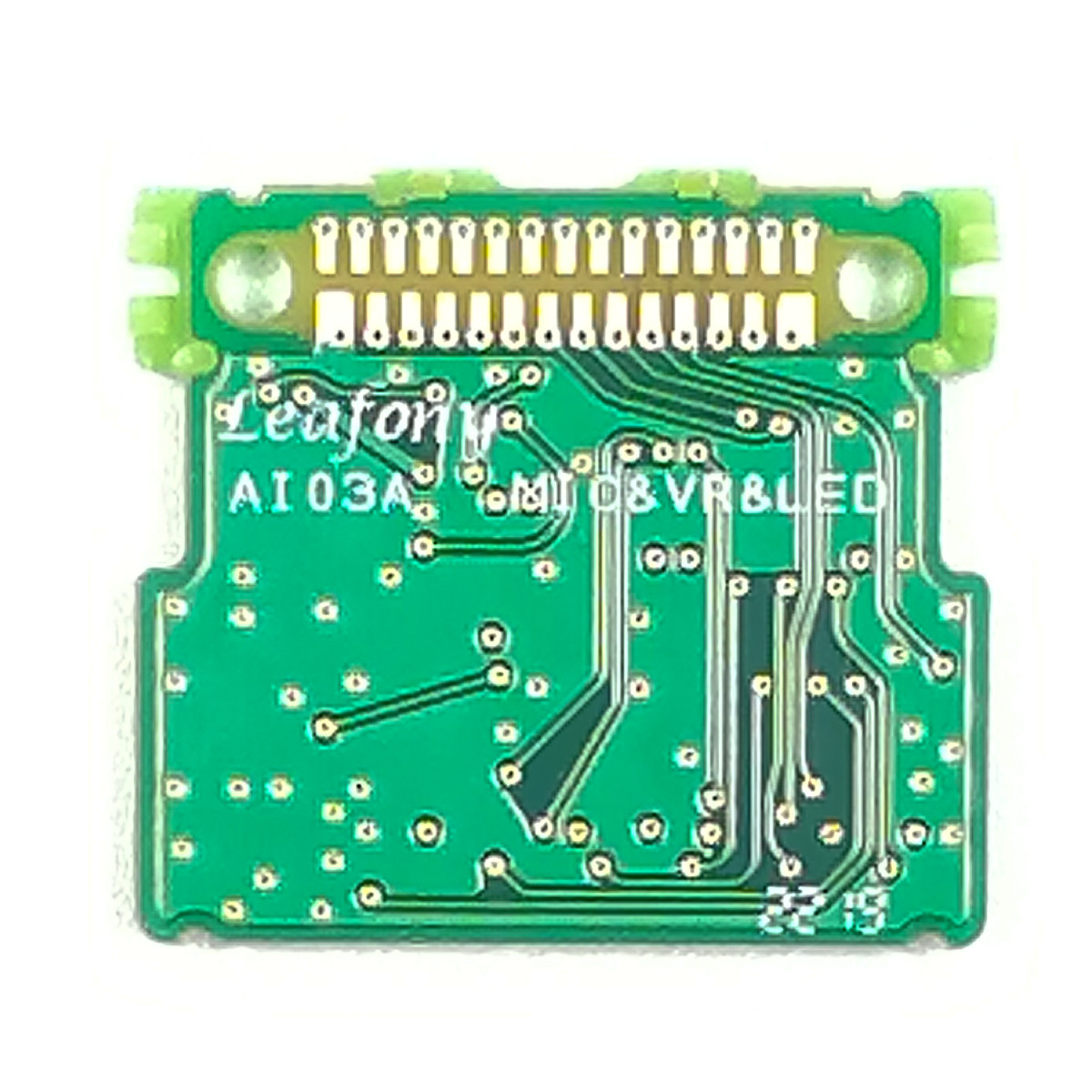
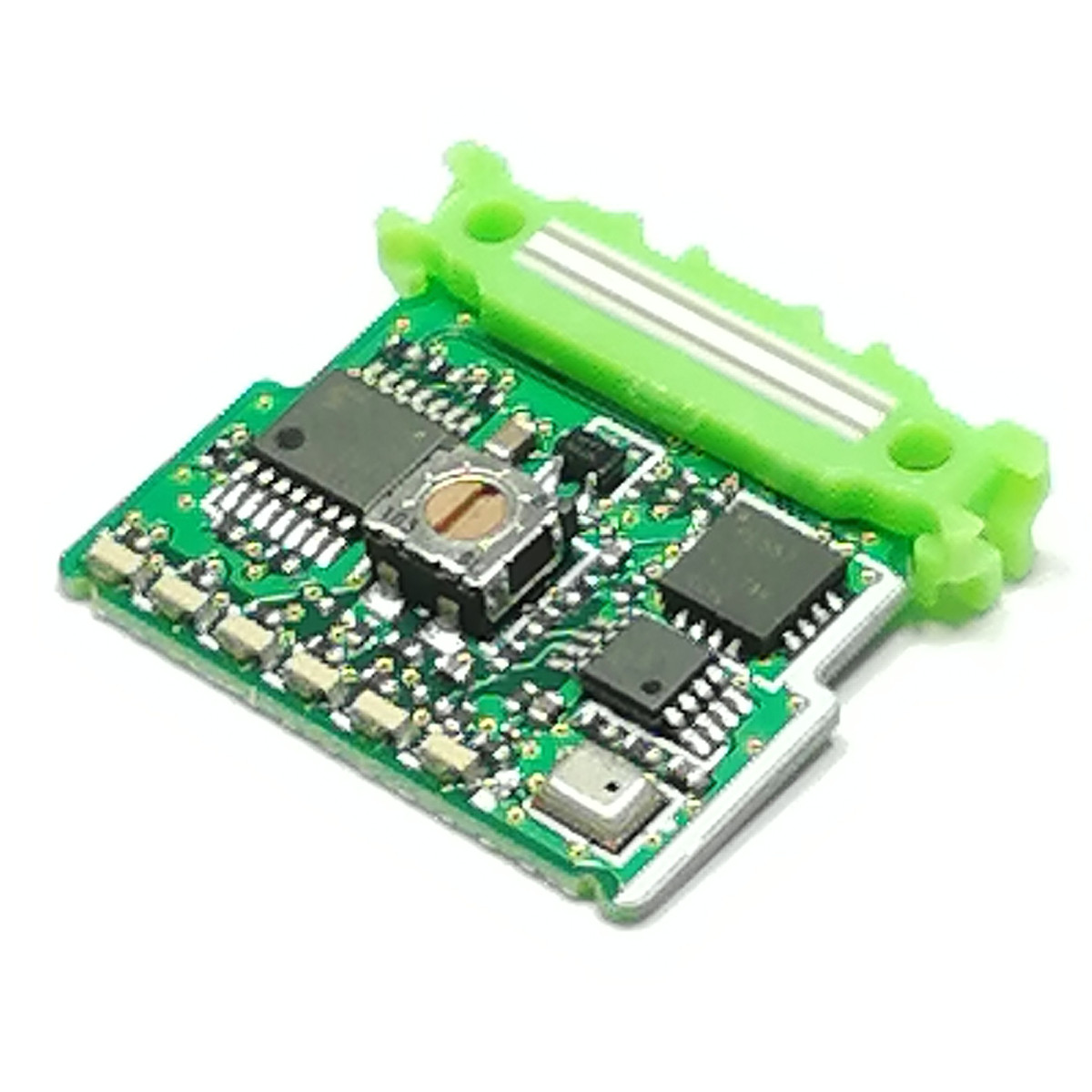
Features
Capture ambient sound with the microphone, read the potentiometer setting, and turn the LED on or off. Combined with an MCU (microcontroller) leaf, this leaf can be used in programs that read changes in sound.
The MEMS microphone and potentiometer connect to the MCU leaf’s analog input pins, and the LED connects to a digital output pin. To reduce power consumption, you can turn off the power through a load switch controlled by the I2C Expander.
Specification
Dimension
| Item | Description |
|---|---|
| Dimension | W23×D20.5×H4.7mm |
Microphone
| Item | Description |
|---|---|
| Part number | SPW2430HR5H-B |
| Type | MEMS |
| Direction | Omnidirectional |
| Frequency range | 100Hz ~ 10kHz |
| Gain | 0dB |
| Interfaces | Analog |
Volume
| Item | Description |
|---|---|
| Part number | ST-4ETA10kΩ |
| Nominal resistance | 10kΩ |
| Resistance law | Linear law (B) |
| Effective electrical angle | 210° (1 turn) |
LED
| Item | Description |
|---|---|
| Part number | SML-A12Y8TT86 |
| Package type | Side-view |
| Emitting color | Yellow |
I2C I/O Expander
| Item | Description |
|---|---|
| Part number | PCA9557RGVR |
| Interface | I2C (Address: 0x1B) |
Block diagram

Pinassign

Tips
About Microphone, Volume and LED

| Item |
|---|
| Microphone MK500 |
| Volume VR500 |
| LED |
Sample App
AVR MCU Examples
ESP32 MCU Examples
Document
Revision history
- Rev A1.0: First edition, August 2019